In the early days of smartphones, we were told there was “an app for everything,” and for a while, apps were the only way to get a decent experience. But it’s 2026, and mobile browsers (like Chrome, Safari, and Brave) have become incredibly powerful.
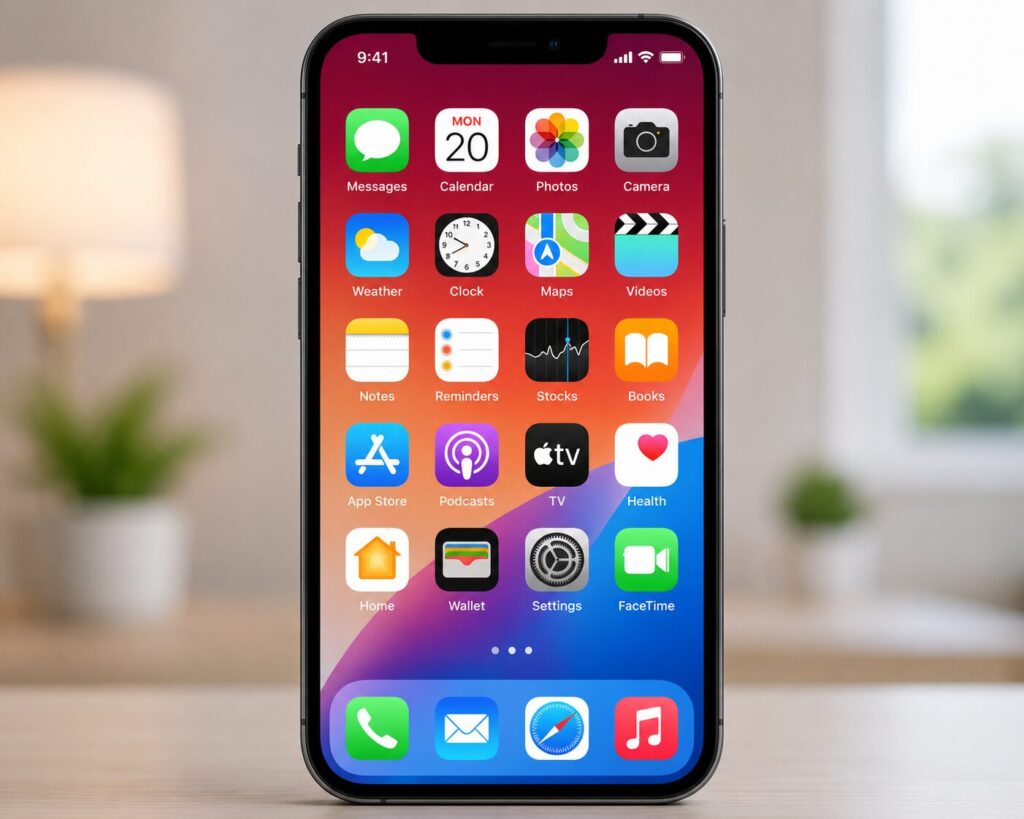
Is it still worth cluttering your home screen with dozens of apps, or should you just stick to the browser? Let’s break down the “Web vs. App” showdown.
1. Privacy: The “Big Brother” Factor
This is where the browser usually wins. When you use a website, you are essentially visiting a “guest” in a high-security hotel (the browser). That guest has very limited access to the rest of the building.
The Browser (Web)
- Sandboxing: Browsers “sandbox” websites, meaning a site can’t easily peek at your photos or other apps.
- No “Always-On” Tracking: Websites generally can’t track your location in the background or scan your contacts unless you explicitly give permission every single time.
- Anti-Tracking Tools: Most modern browsers now automatically block those annoying cross-site trackers that follow you around the internet.
The App
- Data Hunger: Apps often ask for permissions they don’t really need (like a calculator app asking for your location).
- Deep Integration: Because they live directly on your phone’s operating system, apps can collect more specific data about your device, like your battery level, Wi-Fi network name, and even how you move.
Winner for Privacy: The Browser.
2. Security: Staying Safe from Hackers
Both have their strengths, but they handle “safety” differently.
The Browser (Web)
- Pros: If a website has a security flaw, the developer fixes it on their server, and it’s fixed for everyone instantly. You don’t have to do anything.
- Cons: You are more vulnerable to “phishing” (fake websites that look real) and browser-based attacks like malicious scripts.
The App
- Pros: Apps in the Apple App Store or Google Play Store go through a vetting process. They are generally harder to “spoof” than a website.
- Cons: If an app has a security hole, it stays there until you the user actually click “Update” in the App Store. Many people walk around with outdated, “leaky” apps for months.
Winner for Security: It’s a Tie. (Apps are harder to fake, but browsers are faster to patch.)
3. Ease of Navigation: The “Feel” Factor
This is where apps usually take the trophy.
The Browser (Web)
- Pros: No installation needed. You just type the URL and go. It’s great for “one-off” tasks (like checking a restaurant menu).
- Cons: Can be clunky. You have to deal with browser bars at the top/bottom, and web versions often lack the smooth “swipe” gestures we love.
The App
- Pros: Apps are built specifically for your thumb. They are faster, work better offline, and can send you “Push Notifications” (though some might find those annoying).
- Cons: They take up storage space. If your phone is running low on “gigabytes,” a library of apps is usually the culprit.
Winner for Navigation: The App.
So which should you choose?
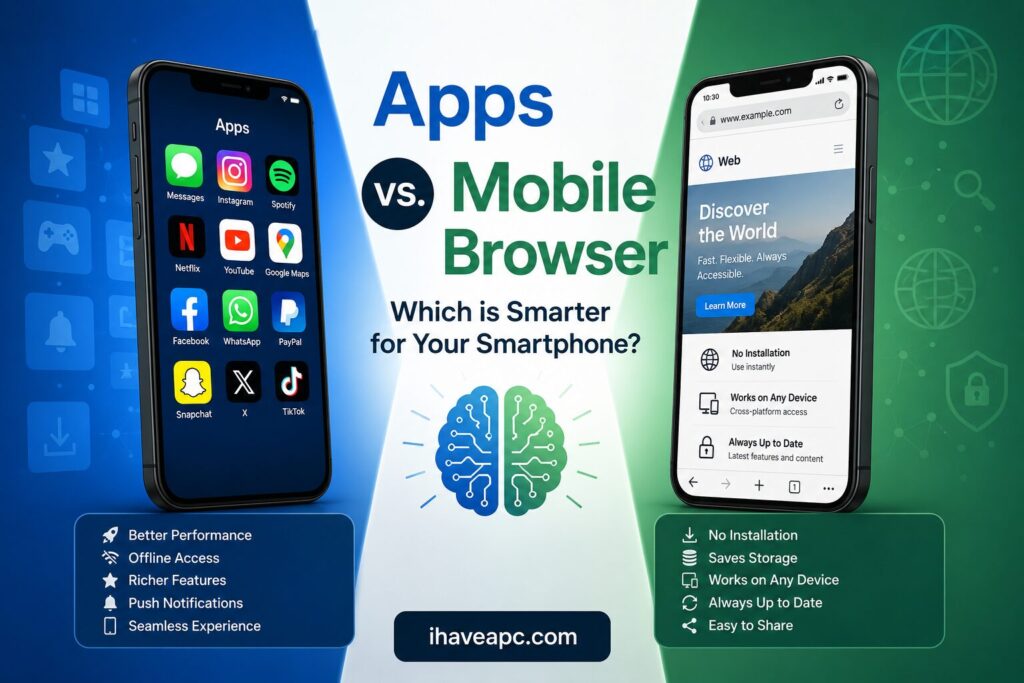
Use this quick guide to decide which version to use:
| Use Case | Recommended | Why? |
| Banking & Finance | App | Better security (biometrics like FaceID) and real-time alerts. |
| Social Media | Browser | Prevents them from tracking your every move across other apps. |
| Shopping (Amazon/eBay) | Browser | Stops “impulse buy” notifications and saves storage. |
| News & Blogs | Browser | No need to install an app for something you only read once a day. |
| Tools (Maps, Uber, Gym) | App | These need your GPS and sensors to actually work well. |
The Bottom Line
If you value privacy and storage space, stick to the browser. If you value speed and features, download the app.
Pro-Tip: In 2026, many websites offer a “Progressive Web App” (PWA). This lets you “Add to Home Screen” from your browser. You get an icon like an app, but with the privacy protections of a browser. It’s the best of both worlds!
Happy browsing.